image of tech innovation

Treevah

Smarter File Organization with AI
No more tabs. No more clicking back and forth. See all your folders in one place — calm, clear, and simple.

Timeline:

Summer 2025 (4 months)

Role:

Lead UX Designer (research, wireframing, UI design, prototyping)

Tools:

Figma, Notion, Miro, Webflow

OVERVIEW

Treevah is a startup platform focused on document and file organization. The goal was to solve one of the most frustrating problems in the workplace: files getting lost, duplicated, or hidden across systems. I led the design of an AI-assisted file management experience, helping users quickly search, preview, and organize files.

CHALLENGE
The goal became clear:
make files easy to find, easy to preview, and easy to organize.
{digital project} image of website on a mobile device (for a ai developer tools)
purpose

Designing for ease and efficiency

To explore how users manage multiple drives and design a simpler, more intuitive way to organize and access their files

discover

Testing what works best

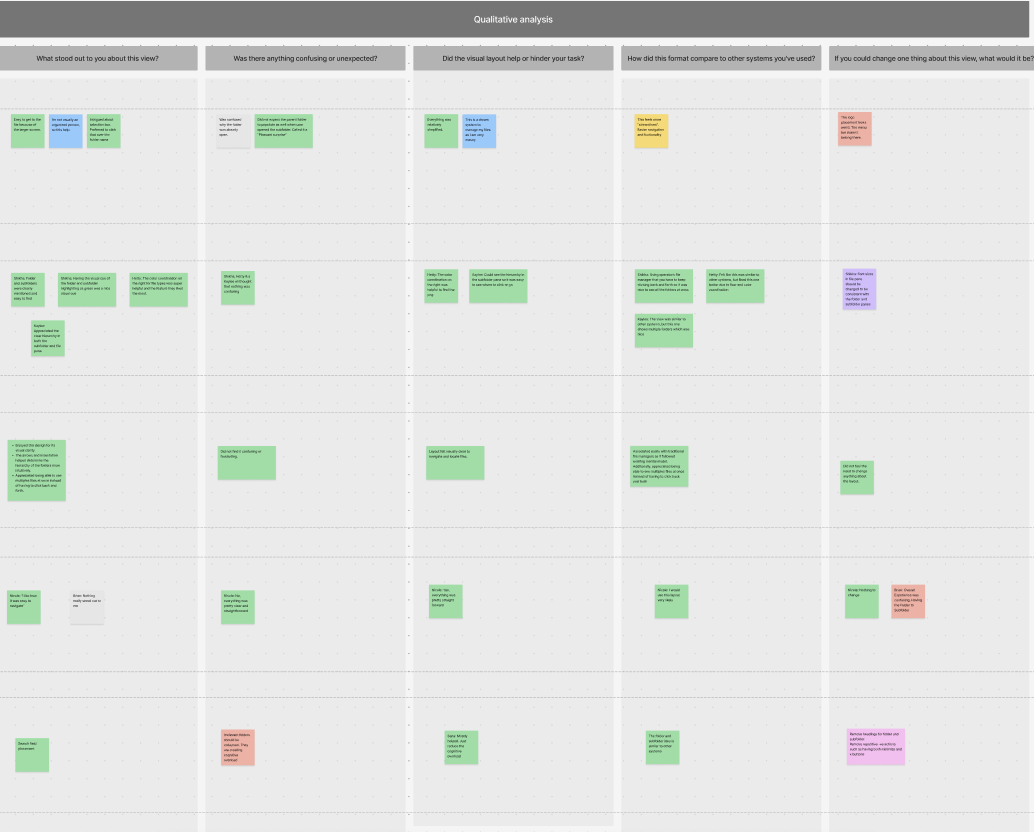
Through 7 user interviews, I explored how people currently manage files across multiple drives. I learned that users struggled with too many clicks, unclear icons, and difficulty telling drives apart. These discoveries shaped the direction of my prototypes and highlighted the need for a simpler, more organized solution.

prototyping

Testing what works best

We created six prototypes to test major features users needed most using A/B testing:
AI Assistant – a built-in search/chat tool to help users quickly locate files
Multi-Drive Management – connecting and organizing files from different platforms in one place
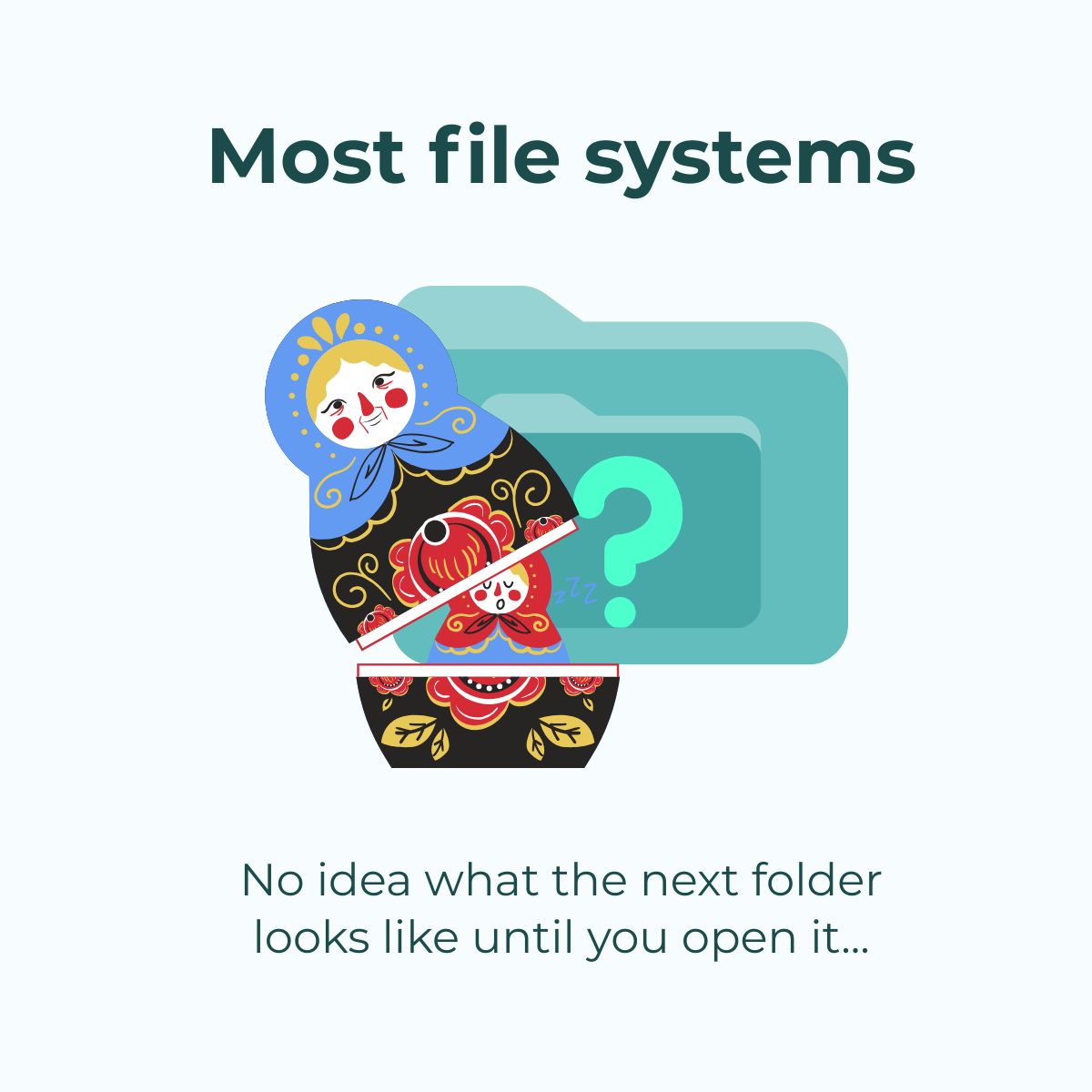
Column View Navigation – a compact layout for scanning files across drivesEach prototype was designed to explore how Treevah could reduce clutter and make file management more seamless.

insights

Turning feedback into design

Testing revealed what worked and what didn’t. Users loved the idea of multi-drive management and AI search, but wanted fewer clicks, clearer visuals, and a simpler way to scan files. These insights guided the next round of design changes.

1. SMART SEARCH WITH AI

Instead of just keyword matching, Treevah’s search was designed to understand context — helping people find the right file even if they didn’t remember the exact name.

2. quick file previews

Users could click to preview a file instantly without leaving the dashboard. This cut down on wasted clicks and made version-checking much easier.

3. flexible organization

Users could click to preview a file instantly without leaving the dashboard. This cut down on wasted clicks and made version-checking much easier.

REFLECTION

Working on Treevah taught me how important it is to test multiple approaches and listen closely to user feedback. Even small details—like the placement of an icon or the number of clicks—made a big difference in how people felt about the product. If I had more time, I’d continue testing with a larger group and explore how these features scale for teams.

CHALLENGES TO THINK ABOUT
  • Scalability of Folder and File Overview
    Problem: Right now, the overview works well for a handful of folders and files. But if a user has 50+ folders open at once, the interface becomes overwhelming. There isn’t yet a clear system for handling that scale.
    Why it matters: Enterprise teams often juggle hundreds of files. Without a way to collapse, filter, or progressively show information, Treevah risks feeling cluttered instead of helpful.
  • Cross-Drive Search Limitations
    Problem: Treevah connects multiple drives, but search isn’t fully optimized across them. The AI assistant helps, but it doesn’t always know how to rank or prioritize results from different platforms.
    Why it matters: Users expect one query to return the most relevant results no matter where the file lives. Without a seamless search layer, Treevah doesn’t fully replace the need to hop between Google Drive, Dropbox, and OneDrive.
  • Multi-Drive Bulk Actions
    Problem: Users can view all their files in one place, but bulk actions like moving, renaming, or sharing across drives are limited. The system isn’t yet consistent when performing these actions at scale.
    Why it matters: For Treevah to be more than just a “viewer,” users need to manage files across drives with the same speed and flexibility they’re used to in a single platform.